


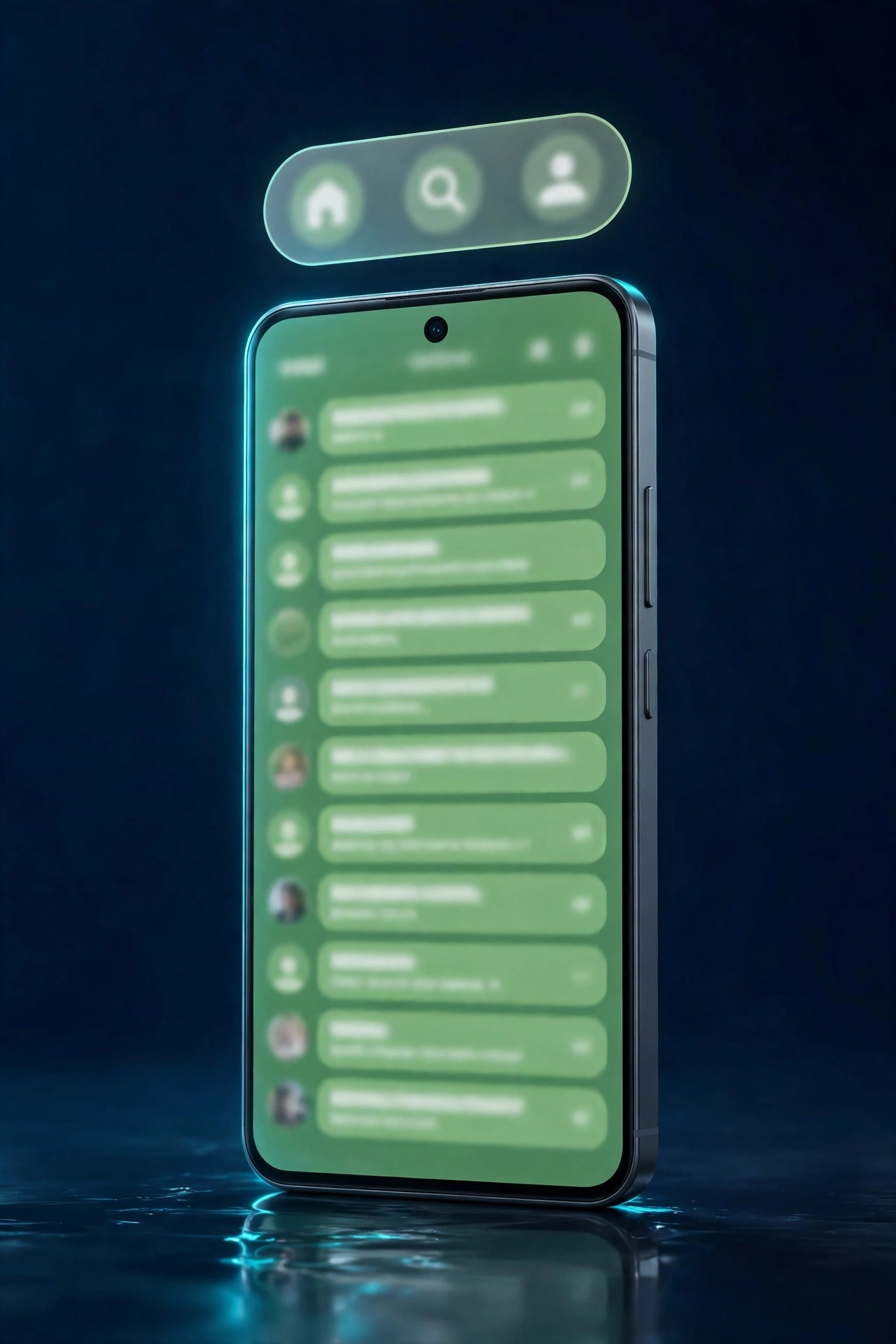
WhatsApp is giving its Android app a fresh look. The messaging app has started rolling out a redesigned floating bottom navigation bar to some beta testers, replacing the old static bar with a cleaner design that shrinks into a compact pill as you scroll.
The change was spotted in WhatsApp beta for Android version 2.26.45.5, available through the Google Play Store. Version 2.26.45.3 is also listed as compatible, but the rollout is gradual and server-side — installing the latest beta does not guarantee you will see the new bar right away.
Key Takeaways
- What changed: WhatsApp’s bottom navigation bar now floats above the screen with rounded corners, instead of sitting as a fixed strip at the bottom.
- Smart scrolling: The bar shrinks into a compact pill when you scroll through chats, freeing up screen space, and expands again when you scroll back up.
- Beta version: Spotted in WhatsApp beta for Android 2.26.45.5 (2.26.45.3 is also compatible).
- Availability: Rolling out gradually to some beta testers only — no stable release date announced yet.
- Background: WhatsApp first tested the floating bar in beta 2.26.41.6, where it was still under development and unavailable even to testers.

What the New Bottom Navigation Bar Looks Like
The new navigation bar floats above the chat list instead of being pinned to the very bottom of the screen. It has rounded corners and a modern, pill-like shape, giving WhatsApp’s Android interface a cleaner and more up-to-date feel.
The bar still gives quick access to the app’s main sections — Chats, Updates, Communities and Calls — so nothing you rely on has moved. What has changed is how it behaves: as you scroll down through your chats, the bar shrinks into a small floating pill, making the navigation less intrusive and leaving more room for your conversations on screen. Scroll back up and it expands again.
The redesign is part of WhatsApp’s ongoing work to modernise its Android interface. It follows a string of recent navigation changes on Android, including the new Contacts tab that is replacing the Communities tab for some beta testers — a separate rollout that puts favourite contacts and the full contact list in one place.
From Testing to Rollout
WhatsApp first showed signs of the floating bar in the Android beta 2.26.41.6 update, where it appeared as a floating design with rounded corners and without text labels. At that stage it was still under development and not available to any beta testers.
With beta 2.26.45.5, that has changed: WhatsApp is now rolling the redesigned bar out to a limited group of beta testers. As with most WhatsApp rollouts, availability is controlled server-side, so even users on the latest beta build may have to wait while the feature reaches more accounts over the coming weeks.
When Will Everyone Get It?
WhatsApp has not announced when the floating bottom navigation bar will reach the stable version of the app for all Android users. The current rollout is limited to selected beta testers, and a wider release is expected only after the beta testing phase is complete.
If you are in the Google Play beta programme, make sure you are on the latest beta build (2.26.45.5 or newer) — and if the new bar does not appear yet, it should arrive as WhatsApp switches it on for more accounts. For everyone else, the redesign will come with a future stable update.
Frequently Asked Questions
What is WhatsApp’s new floating bottom navigation bar?
It is a redesigned bottom navigation bar on WhatsApp for Android that floats above the screen with rounded corners. When you scroll through chats, it shrinks into a compact pill so it takes up less space, then expands again when you scroll back up.
Which WhatsApp beta version has the new bottom navigation bar?
The new floating bottom navigation bar is rolling out in WhatsApp beta for Android version 2.26.45.5, available on the Google Play Store. Version 2.26.45.3 is also listed as a compatible update.
Why can’t I see the new WhatsApp navigation bar yet?
The feature is rolling out gradually to selected beta testers through a server-side switch. Installing the latest beta version does not guarantee immediate access — WhatsApp enables it for more accounts over the coming weeks.
Does the new navigation bar remove any WhatsApp tabs?
No. The bar still gives quick access to the main sections — Chats, Updates, Communities and Calls. Only the design and scrolling behaviour have changed; the tabs themselves stay in place.
When will the floating navigation bar come to the stable WhatsApp app?
WhatsApp has not announced a date for the stable release. The redesign is currently limited to Android beta testers, and a wider rollout is expected after beta testing is complete.
Read more: WhatsApp Contacts Tab Rolls Out on Android Beta — See Who’s Online
Read more: WhatsApp Contacts Tab Rolls Out on iOS Beta — See Who’s Online
Sources: WABetaInfo, Undercode News
