


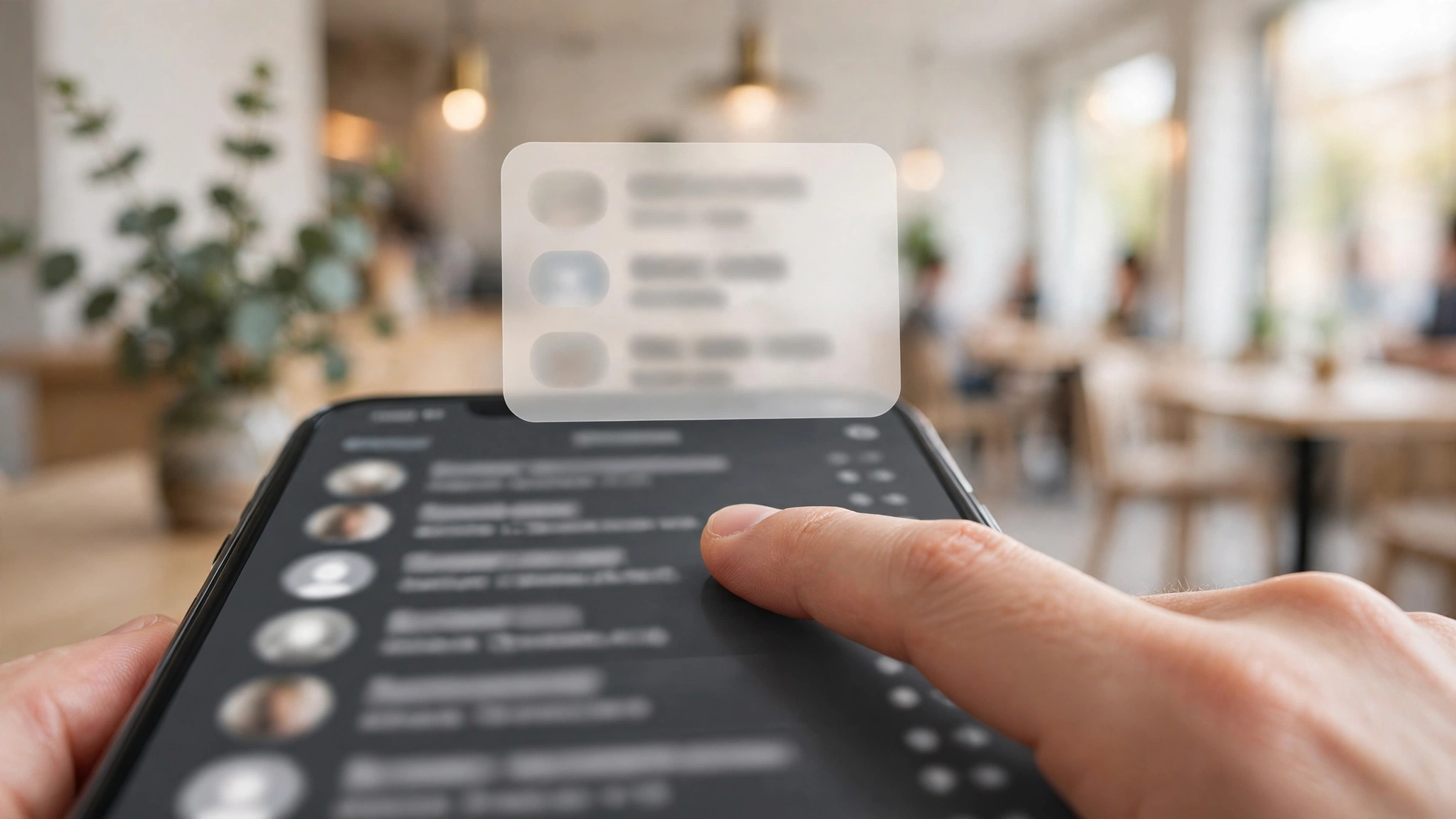
One of WhatsApp’s oldest Android annoyances is quietly being worked on. A teardown of WhatsApp for Android beta version 2.26.44.12 has revealed code for chat previews — the feature iPhone users have had for years: long-press a conversation in your chat list and its latest messages pop up in a floating card, without opening the chat and without sending read receipts (no blue ticks), GSMArena reports.
And there is a twist in Android’s favour: while the iOS preview window cannot scroll, the Android version reportedly lets you scroll up inside the preview to read older messages — still without triggering a single blue tick.
Stated clearly before the excitement: this feature is still in development. It is not available to public beta testers yet, WhatsApp has given no release date, and features discovered in teardowns occasionally never ship. Here is what the code shows, and why it matters.
Key Takeaways
- Long-pressing a chat on Android will reportedly open a floating preview card with the thread’s latest messages, plus a refreshed context menu beneath it.
- Peeking does not send read receipts — the sender sees no blue ticks.
- Unlike iOS, the Android preview is said to be scrollable, so you can read back through older messages in the preview.
- The code was found in WhatsApp beta 2.26.44.12 for Android; the feature is not yet live even for beta testers and has no announced rollout date.
How It Works on iOS Today — and What Android Gets
On iPhone, the gesture already exists: long-press a chat and a pop-up shows the most recent messages in that thread. It is the standard trick for reading something without committing to a reply — useful when a notification has been swiped away or buried. Its one flaw: the window is fixed, so a long message or a busy thread cannot be fully read in the preview.
On Android today, long-pressing a chat does something entirely different — it selects the chat and brings up the top bar (pin, archive, mute, delete). The teardown suggests that behaviour is being reworked: the long-press will raise the preview card, with a redesigned context menu underneath it for those same actions.
If the scrolling detail holds, Android’s version will actually be the better implementation — a full read-through of a thread, invisibly. Read receipts stay unsent for everything you view this way, per the report.
Why This Small Feature Matters
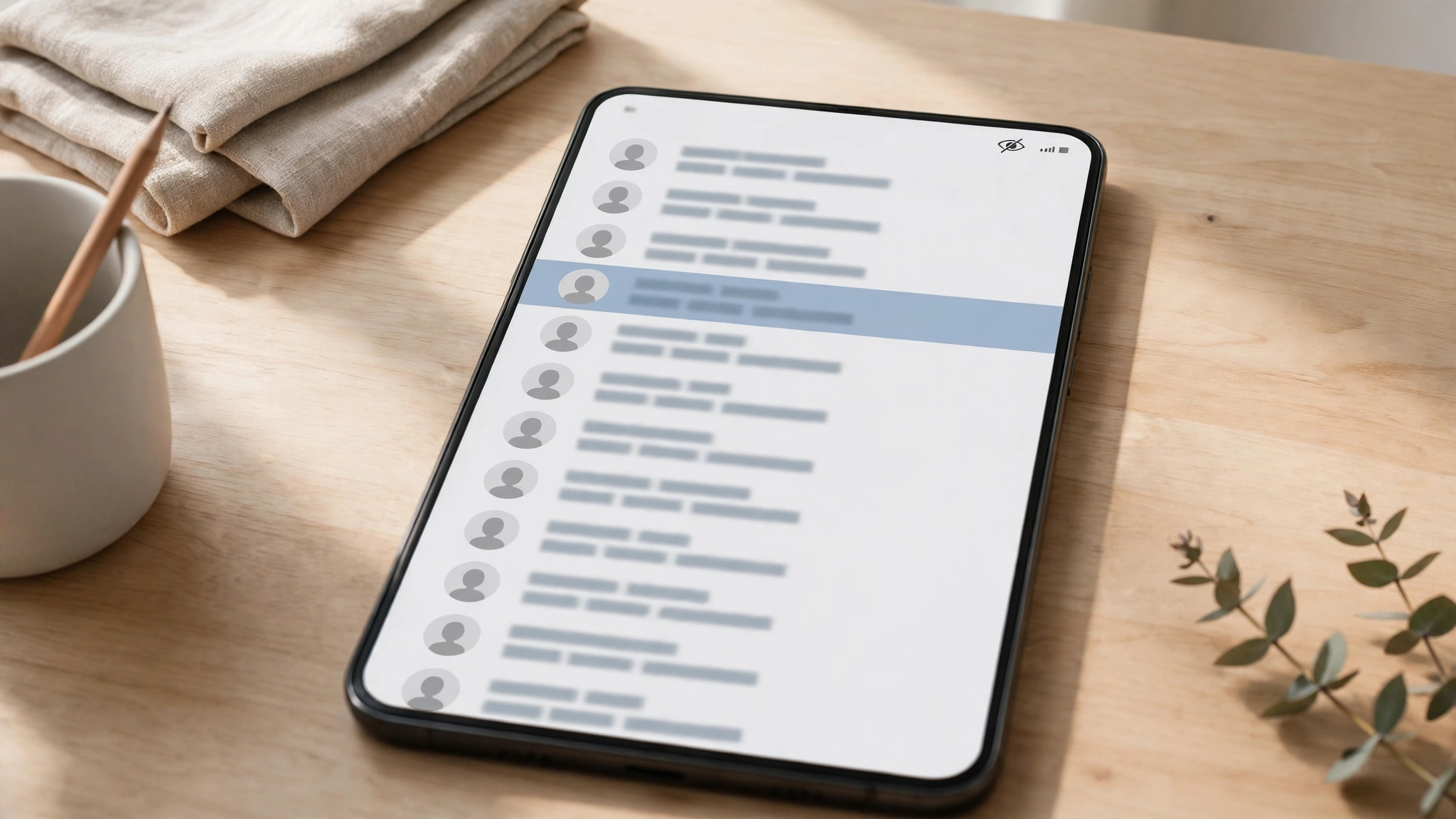
WhatsApp already lets you switch read receipts off entirely — but that is a blunt instrument: it applies to everyone, and it also hides your view of whether others read your messages in some contexts. Previews are the surgical option: keep blue ticks on, but choose, chat by chat and moment by moment, when a read becomes official.
It also completes a pattern in WhatsApp’s recent changes. Recent Media Suggestions removed the gallery hunt from sharing; Smart Text Actions turned chat text into shortcuts. Chat previews remove the social cost of opening a conversation. Each one is small; together they are WhatsApp sanding down the friction of an app people open dozens of times a day.
When Will You Get It?
Nobody knows — and anyone giving you a date is guessing. The honest timeline facts:
- The code sits in beta 2.26.44.12, but the feature is switched off even there; public beta testers cannot use it today.
- Teardown features typically go through internal testing, then a limited beta activation, then a gradual stable rollout — a path that takes weeks to months when it completes at all.
- WhatsApp has not announced the feature, so there is no official confirmation it will ship in this form.
If and when it activates for beta users, TechInKey will cover it. Until then, Android users who want to read discreetly are stuck with the old workarounds: notifications, the WhatsApp widget, or aeroplane mode gymnastics.
The Bottom Line
Chat previews are a quality-of-life feature Android users have envied on iOS for years, and the in-development Android version may outdo the original by letting you scroll. But it is a teardown finding, not a release: no date, no beta access, no guarantee. File it under “promising, unfinished” — and watch the beta channel.
Related Guides
- WhatsApp Recent Media Suggestions: Latest Gallery Photos Appear in Chats
- WhatsApp Smart Text Actions: One-Tap Shortcuts for Numbers, Dates and Addresses
- WhatsApp Is Redesigning Its Settings Page
FAQs
What are WhatsApp chat previews on Android?
A feature in development that lets you long-press a conversation in the chat list and see its latest messages in a floating card — without opening the chat or sending read receipts. It mirrors a feature iPhone users already have, and the Android version reportedly adds scrolling inside the preview.
Does peeking at a chat with previews send blue ticks?
No. According to the teardown report, viewing messages in the preview does not trigger read receipts — including when scrolling up to older messages inside the preview window.
When will WhatsApp chat previews reach Android users?
There is no date. The code was found in WhatsApp beta 2.26.44.12 for Android, but the feature is still in development and is not available even to public beta testers yet. Features found in teardowns do not always make it to release.
How is the Android version different from the iOS one?
On iOS, the long-press preview window cannot scroll, so long threads cannot be fully read in it. The Android implementation found in the teardown can reportedly be scrolled, letting you read older messages in the preview — also without sending read receipts.
