


Apple barely waited a day after shipping iOS 26.1 before moving on to the next update. The company seeded the first developer beta of iOS 26.2 on 13 November 2026, and it is a classic point release: no headline redesign, but a long list of refinements that touch the Lock Screen, AirPods, Reminders, Podcasts and the Health app.
The beta is available to developers now, with a public beta expected later in the week. The finished update should reach everyone in December, most likely between 9 and 16 December, and it runs on every iPhone that supports iOS 26.
Summary
- Apple seeded iOS 26.2 developer beta 1 on 13 November 2026, a day after the iOS 26.1 public release; a public beta is expected later in the week and the final release is expected in December.
- A new Lock Screen slider lets you fine-tune how frosted or clear the Liquid Glass clock looks, building on the Clear and Tinted toggle added in iOS 26.1.
- AirPods Live Translation finally reaches the European Union, after Apple delayed it there to finish the engineering work required by the Digital Markets Act.
- Reminders can now sound a real alarm: marking a reminder as Urgent makes it ring when it is due, with snooze and reschedule options on the Lock Screen.
- Sleep Scores get stricter ranges in iOS 26.2 and watchOS 26.2, and the top rating changes its name from Excellent to Very High.
- Podcasts gains automatically created chapters, Freeform gets Tables, and the Passwords app can now manage sites where you do not save passwords.
- A new AirDrop feature spotted in the beta’s code would let you share a one-time code to stay visible to a stranger for 30 days, but it is not live yet.
A Lock Screen You Can Finally Tune
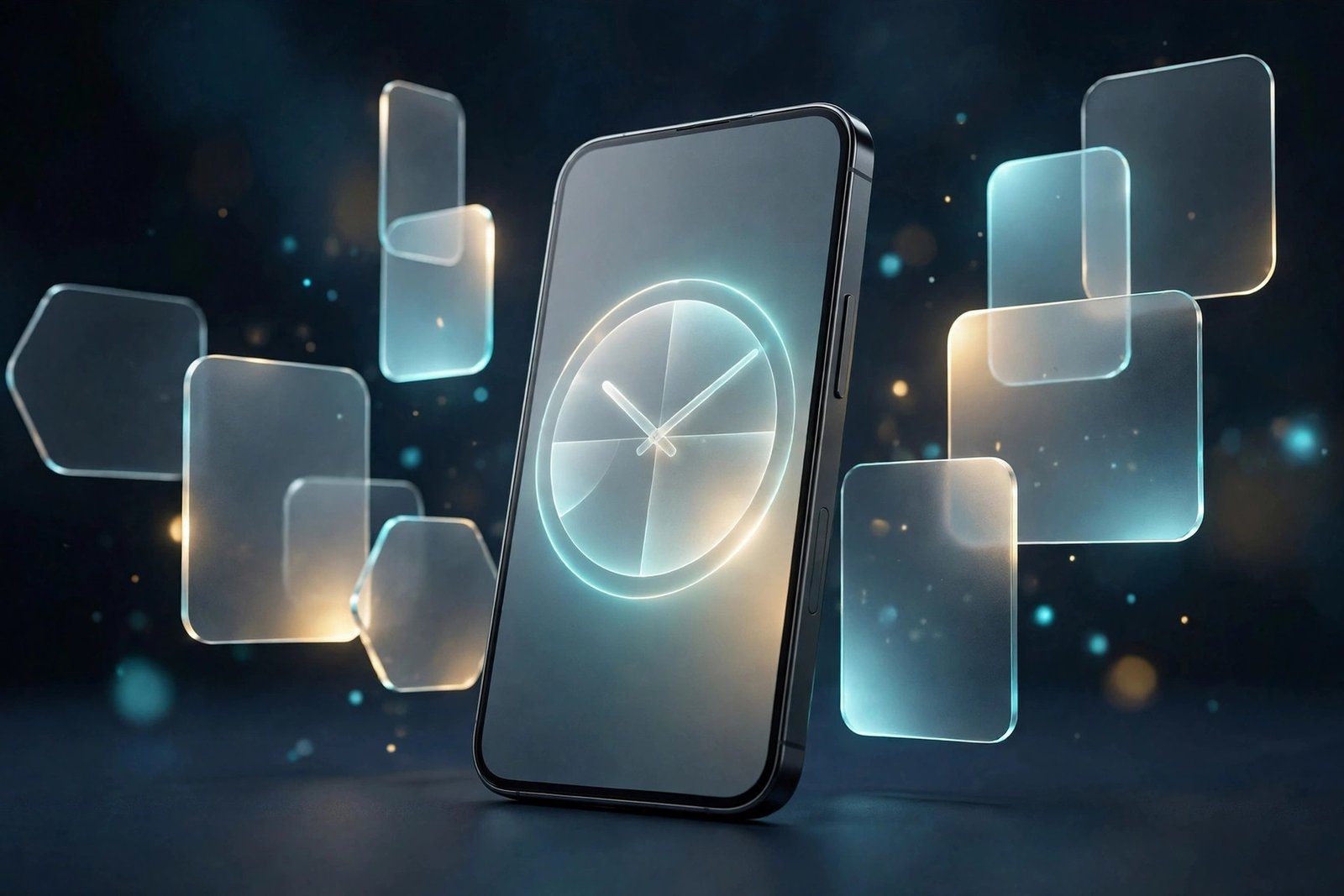
The most visible change in iOS 26.2 beta 1 sits right on the Lock Screen. When you customise your wallpaper and tap the clock, there is now a Liquid Glass slider that controls how transparent the time looks. Drag it one way and the clock becomes almost entirely clear, letting the wallpaper show through; drag it the other way and it turns frosted and solid, so the numbers stay readable against a busy photo.
It is a small control with a bigger story behind it. Liquid Glass, the translucent design language Apple introduced with iOS 26 in September, has divided iPhone owners since launch. Some love the glassy depth; others find it hard to read. Apple responded in iOS 26.1, released on 12 November, with a system-wide choice between Clear and Tinted appearances. The new slider goes further: instead of two options, it gives you a continuous range, so you can set the clock’s transparency at exactly the point that works for your wallpaper.
The existing controls have not gone away. There is still a Solid toggle that turns the Liquid Glass effect off for the clock entirely, and the colour options are still there. The slider only appears when the Glass option is selected, and it works with every font option. One limitation remains: you can still only resize the clock when using the default font.
AirPods Live Translation Finally Reaches Europe
The most useful change in this beta for many owners may have nothing to do with how the phone looks. AirPods Live Translation is expanding to the European Union with iOS 26.2, after Apple held it back in the region to complete the engineering work needed to comply with the Digital Markets Act.
Live Translation lets your AirPods translate a conversation in real time, so you can follow someone speaking another language without staring at your phone. It works with the AirPods Pro 3, AirPods Pro 2 and AirPods 4 with active noise cancellation, and it currently supports English, French, German, Portuguese, Spanish, Italian, Chinese in both Simplified and Traditional Mandarin, Japanese and Korean.
The delay was regulatory rather than technical. Apple needed extra time to make sure the feature met the EU’s competition rules before switching it on for European users. For anyone in the EU who bought AirPods Pro 3 partly for this feature, the wait is finally over — provided they are willing to run a beta, or wait for the December release.
Reminders That Actually Ring
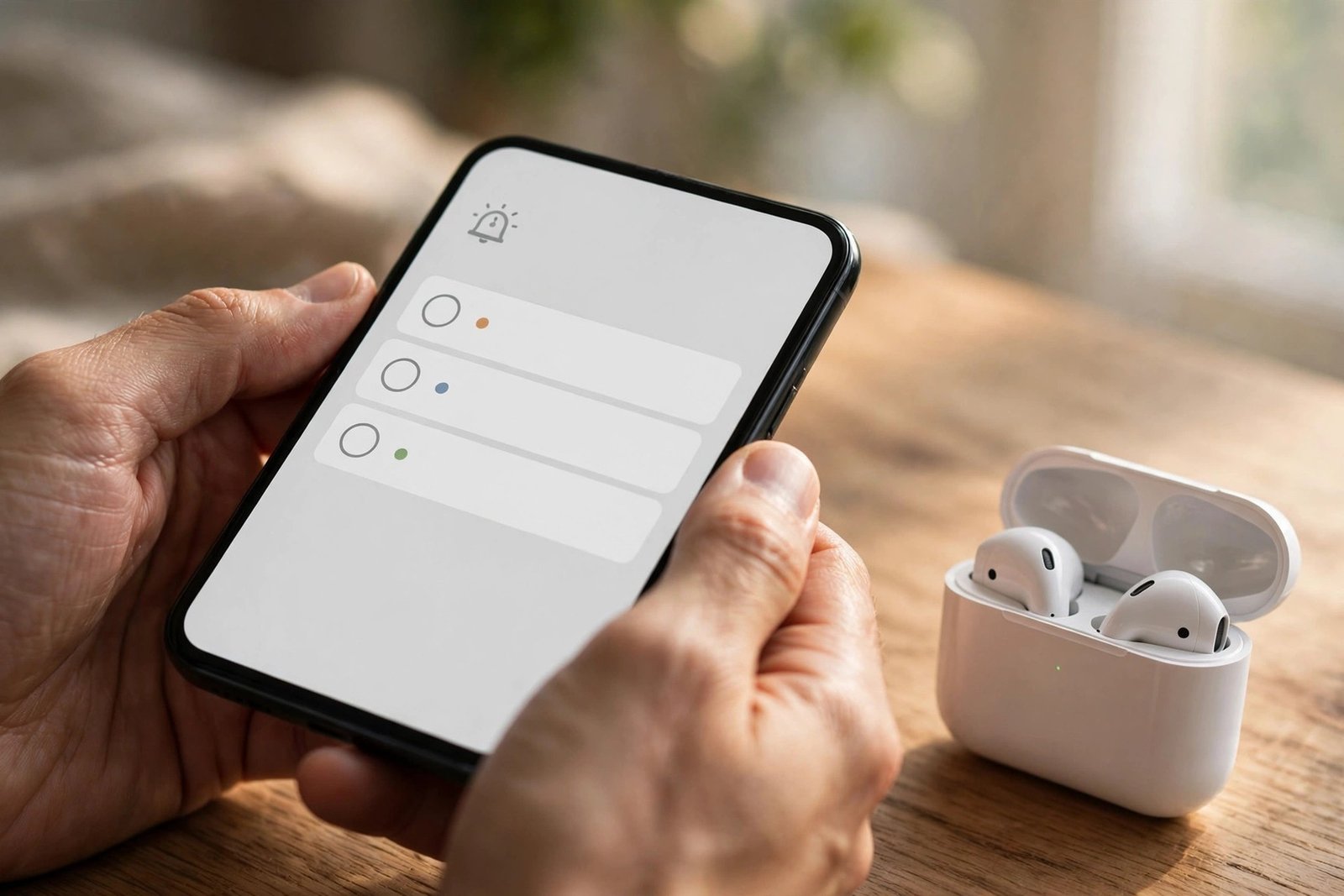
The Reminders app gets one of the most practical upgrades in this beta. When you create a reminder, there is now an Urgent option, and switching it on makes the reminder sound an alarm when it is due. Until now, a reminder was easy to miss: it appeared as a notification and could be swiped away or buried under everything else. An alarm is much harder to ignore.
When a Reminders alarm goes off, it shows a snooze option or a slide-to-stop control. If you snooze it, a countdown appears on the Lock Screen, with options to complete the reminder or reschedule it right there. Apple marks these alarms apart from your regular alarms with a new blue colour.
It is a small change, but it fixes a real gap. Reminders has always been the app for things you must not forget — medication, a call, a bill — and those are exactly the things a silent notification is worst at.
Sleep Scores Get Stricter
Apple is also reworking how it grades your sleep. With iOS 26.2 and watchOS 26.2, the ranges behind the Sleep Score feature have been adjusted so the numbers better match how people actually feel after a night’s sleep. The old scale was widely seen as too generous, handing out top marks too easily.
The new ranges are: Very Low from 0 to 40, up from 0 to 29; Low from 41 to 60, up from 30 to 49; OK from 61 to 80, up from 50 to 69; High from 81 to 95, up from 70 to 89; and Very High from 96 to 100, up from 90 to 100. The top rating has also been renamed: what used to be called Excellent is now Very High, bringing it in line with the other labels.
The score itself is calculated the same way as before. Sleep duration is worth 50 points, bedtime is worth 30, and interruptions — the times you wake up during the night — are worth 20, for a total of 100. What changes is where the boundaries fall, so a night that used to earn an Excellent may now land in High or OK. If your score drops after you install the beta, that does not mean you slept worse. It means the ruler changed.
Podcasts, Freeform and Passwords: The Smaller Wins
Beyond the headline changes, iOS 26.2 beta 1 is full of smaller improvements. The Podcasts app can now create chapters automatically, so long episodes get navigable sections without the creator having to add them by hand. You can also see mentions of other podcasts from the transcript and the player, and find links mentioned in a podcast on the episode page.
The Freeform app, Apple’s whiteboard for brainstorming and planning, now supports Tables. The Passwords app gets a quieter but useful addition: in its Settings section, there is now an option to manage websites where passwords are not saved when you sign in, so you can undo a “don’t save” choice you made earlier.
Apple Music subscribers get something too. With iOS 26.2 beta 1, when you download songs to your device, you can now access their lyrics offline — handy on a plane or anywhere without a signal. And Apple News has been redesigned, with quick-access buttons along the top for categories such as sports, puzzles, politics, business and food, plus a dedicated Following tab separated from the search interface.
AirDrop’s 30-Day Code Is Coming — But Not Yet
One of the most interesting things in iOS 26.2 beta 1 is not actually switched on. The beta contains multiple references to a new AirDrop feature that would let two people send a one-time code to each other, and entering that code would keep AirDrop working between them for the next 30 days.
Today, AirDrop only stays open to people who are not in your contacts for 10 minutes, which is fine for a quick file transfer but useless if you need to send something to the same person again tomorrow. A 30-day window would fix that without forcing you to save someone as a contact first.
It is important to be clear about what this is: code references in a beta, not a working feature. Apple has not announced it, and it may arrive in a later beta or slip to a future update entirely. Features spotted in code sometimes never ship.
Safety Alerts and the Rest
There are two changes in this beta aimed squarely at safety. In the Notifications section of the Settings app, there is now an Enhanced Safety Alerts area for managing earthquake alerts and imminent threat alerts, plus an improved alert delivery option that uses your location to make those notifications more reliable. The idea is that an alert about an emergency should reach you even when conditions are poor.
The Accessibility settings get a related addition. The Flash for Alerts option, which previously could only flash the LED on the back of the iPhone, now lets the screen flash as well. You can choose the screen flash, the LED, or both at the same time. For anyone who cannot hear notification sounds or feel vibrations, a full-screen flash is a much more noticeable signal.
The Weather app is also showing signs of a small change in the beta’s code: support for relative time in alerts, so a warning might say rain is coming “next Friday” instead of giving a bare date. And the beta contains references to something called Apple Creator Studio, spotted by Gadgets360. Apple has not said what Creator Studio is — for now it is only a name in the code.
How to Get the Beta — and Whether You Should
iOS 26.2 beta 1 is available to developers right now, and a public beta is likely to follow later in the week. Anyone can sign up for Apple’s public beta programme on the company’s beta website, and once enrolled, the update appears in the Software Update section of the Settings app. The usual warning applies: this is a first beta, so expect bugs and faster battery drain, and do not install it on your only phone if you depend on it for work.
MacRumors expects Apple to release iOS 26.2 in December, sometime between 9 and 16 December. That fits Apple’s usual rhythm: a few weeks of beta testing, then a release before the holidays. More features may be added in later betas — the AirDrop code feature, for instance, could switch on before the final release — and some things in beta 1 could still change.
For most iPhone owners, the takeaway is simple. iOS 26.2 is not the update that changes what your phone can do. It is the update that makes the phone you already have a little easier to read, a little harder to ignore when it matters, and a little more useful when you travel.
If you are curious about where Apple is heading with the iPhone’s software more broadly, our report on Apple’s shake-up of iOS 28 development looks at the bigger changes coming further down the road. For a practical iPhone security step you can take today, see how to turn on Lockdown Mode on iPhone, and if you want a glimpse of Apple’s future hardware, our roundup of the iPhone Ultra’s rumored specifications is worth a read.
Sources: MacRumors, “Everything New in iOS 26.2 Beta 1” (13 November 2026); Gadgets360, “iOS 26.2 Beta 1 Reportedly Includes References to ‘Apple Creator Studio'” (14 November 2026); CNET, via Telestraw, on offline lyrics in Apple Music.
Frequently Asked Questions
What is new in iOS 26.2 beta 1?
iOS 26.2 beta 1 adds a Lock Screen Liquid Glass slider for the clock, AirPods Live Translation for the European Union, urgent Reminders that sound an alarm, stricter Sleep Score ranges, automatic chapters in Podcasts, Tables in Freeform, and a new way to manage unsaved passwords in the Passwords app. It also includes code references to a future AirDrop feature and to Apple Creator Studio.
When will iOS 26.2 be released to everyone?
Apple is expected to release the final version of iOS 26.2 in December 2026, most likely between 9 and 16 December. The developer beta arrived on 13 November 2026, and a public beta is expected to follow later in the same week.
Which iPhones can install iOS 26.2?
iOS 26.2 is available on all iPhones that support iOS 26, so any iPhone that runs iOS 26 will be able to install the update when it is released. The beta is available to developers now and to public beta testers once the public beta is seeded.
How does the new Liquid Glass slider work?
The slider appears when you customise your Lock Screen wallpaper and tap the clock while the Glass option is selected. Dragging it makes the clock more transparent or more frosted, so you can match it to your wallpaper. The Solid toggle and colour options are still available if you want the clock fully opaque.
Does iOS 26.2 bring AirPods Live Translation to Europe?
Yes. iOS 26.2 expands AirPods Live Translation to the European Union, after Apple delayed it there to complete the engineering work required by the Digital Markets Act. It works with AirPods Pro 3, AirPods Pro 2 and AirPods 4 with active noise cancellation, in nine languages including English, French, German, Spanish and Japanese.
