


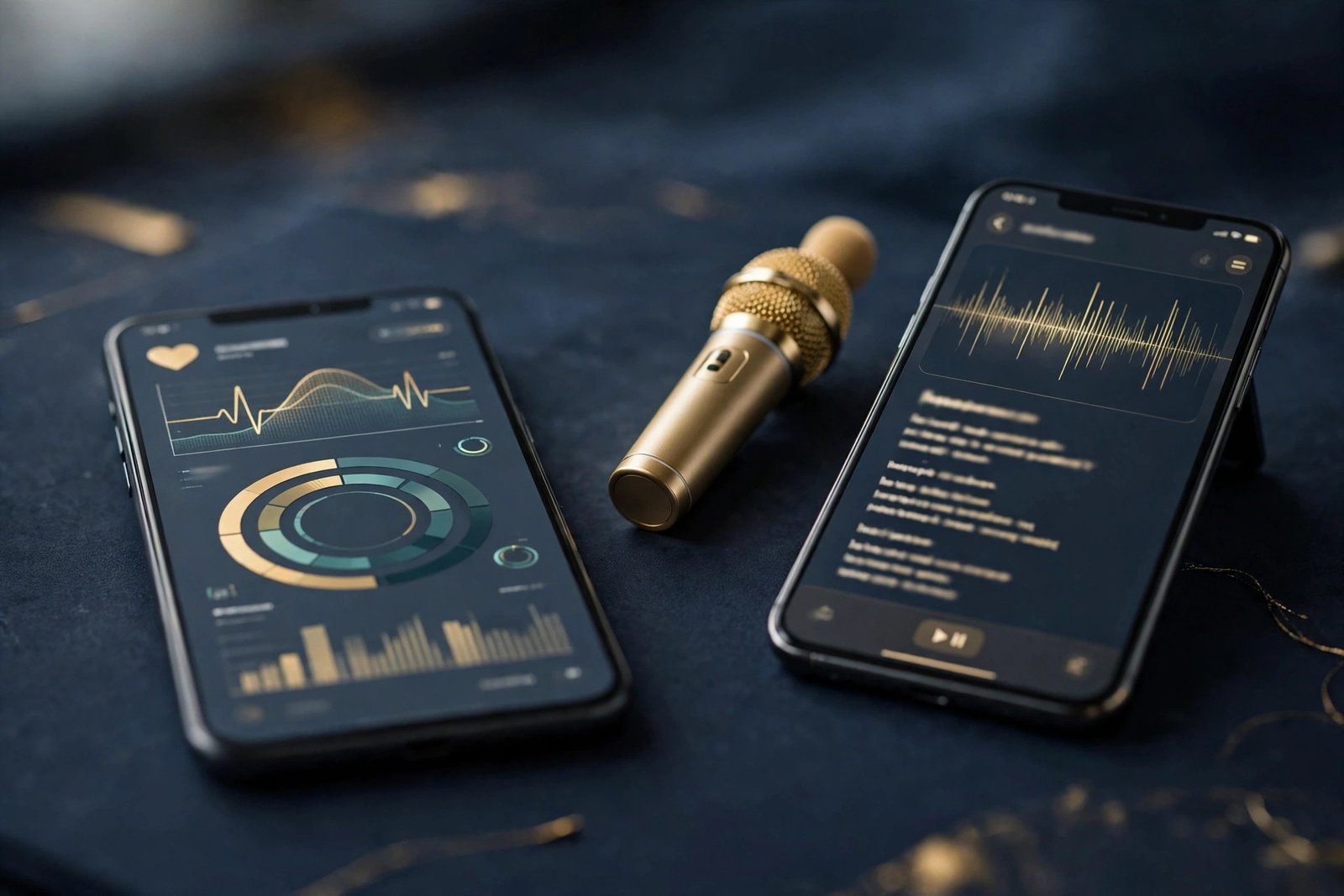
Apple’s next iPhone update is taking shape, and the second beta of iOS 27.3 puts three new features in front of testers: a redesigned Health app, a karaoke video feature in Apple Music, and a much more customizable StandBy mode. The first developer beta arrived on November 3, 2026, with a public beta following on November 5, and the second beta is now seeding to developers in mid-November. The public release is expected in December 2026, although Apple has not confirmed an exact date.
None of the three features is entirely new to Apple’s plans. The Health app redesign was first tested in the iOS 27.2 beta, then pulled before that update launched. Selfie Sing and the StandBy upgrades, meanwhile, extend ideas Apple has already shown on other devices — Apple Music Sing on the music side, and the iPhone Duo’s expanded StandBy screens on the display side. What iOS 27.3 does is bring all three together in one update, and Beta 2 is the build where testers can now try them as a package.
There is a limit to what a beta can promise. Features in a beta can change, shrink or disappear before the public release, and the Health app has already done exactly that once. What follows is what the beta contains today, based on reporting from 9to5Mac, Geeky Gadgets and Gadget Hacks — not a guarantee of what ships in December.
Summary
- iOS 27.3 beta 2 is now in testing, with a public release expected in December 2026. Apple has not confirmed an exact date.
- The redesigned Health app returns after being pulled from the iOS 27.2 beta. It adds Insights and Longevity tabs with personalized recommendations, and it requires an iPhone that supports Apple Intelligence.
- Apple Music gains Selfie Sing, which combines the iPhone camera with the app’s lyrics display to record karaoke videos.
- StandBy gains features previously limited to the iPhone Duo, including new Weather and Calendar faces and redesigned Analog and Digital clocks with more color and complication options. The expansion reaches iPhone 11 and newer models.
- Beta 2 also includes smaller refinements, including changes to the Freeform app, Maps routing and power management, according to Geeky Gadgets.
- The update is available now through Apple’s developer beta program, with a public beta also available. Most iPhone owners should wait for the December release.
The redesigned Health app returns
The biggest change in iOS 27.3 is the Health app. Apple has rebuilt it around two new tabs, Insights and Longevity, which sit alongside the existing Browse tab. Insights pulls together recent health data — sleep, activity, heart rate and other recorded measurements — and turns it into personalized recommendations. Longevity looks at the same data over a longer horizon, tracking how health changes over time.
Longevity also introduces Health Age, a feature that compares a person’s health measurements with typical ranges for their age, using data such as sleep, heart rate and aerobic fitness collected by an Apple Watch. It is an estimate, not a medical assessment. As Gadget Hacks notes in its beta coverage, Health Age should not be mistaken for a medical diagnosis or a definitive measurement of biological age, and Apple has not publicly detailed enough of its calculation to establish how accurately the result reflects overall health.
The new Health app also adds educational videos featuring clinical experts and at-home movement evaluations that use the iPhone camera, according to 9to5Mac. The idea is that the app does more than store numbers: it explains them and gives users a way to act on them. The redesign was first shown in the iOS 27.2 beta, but Apple removed it before that update’s public launch and said it would return later in the year. iOS 27.3 is the update that brings it back.
There is a hardware condition attached. The redesigned Health app is coming to iPhones that support Apple Intelligence, which means older models will not get the new Insights and Longevity tabs even if they can install iOS 27.3 itself. That split is consistent with how Apple has handled its on-device AI features so far: the software runs on a wide range of phones, but the features that depend on Apple Intelligence stay limited to newer hardware.
The Health app is also the feature with the clearest warning attached from its own history. It was ready enough to ship in a beta, then pulled. Beta 2 shows it working again, but until the public release lands, its return is a plan rather than a promise.
Selfie Sing turns Apple Music into a karaoke camera
The second feature is aimed squarely at the way people already use their phones: making short videos. Selfie Sing, new in Apple Music with iOS 27.3, combines the iPhone’s front camera with Apple Music’s built-in lyrics display so users can record themselves singing along to a song, karaoke-style, and save the result as a video.
Apple Music already had a karaoke mode, Apple Music Sing, which shows real-time lyrics and lets users adjust vocal levels. Selfie Sing adds the video element to that: the camera records the singer while the lyrics scroll, producing a clip that is ready to share. 9to5Mac describes the feature as clearly designed for social platforms such as TikTok, and that is the most likely use for it — a short, vertical singing clip made inside the Music app, without a separate recording or editing step.
Gadget Hacks notes that Selfie Sing arrives alongside smaller Apple Music updates in the beta, including changes to Auto Mix and Artist Pages. The karaoke feature itself is the headline, though, because it turns a listening app into a creation tool. Whether it becomes a habit or a novelty depends on how well the recording works in practice — how the camera frames the singer, how the lyrics stay in sync, and how easy the finished video is to save and share. Those are details beta testers are now putting through their paces.
There is no indication that Selfie Sing requires an Apple Intelligence-capable iPhone. It is presented as a feature of Apple Music in iOS 27.3 generally, rather than as part of the AI-gated set of changes that includes the Health app redesign.
StandBy borrows the iPhone Duo’s best tricks
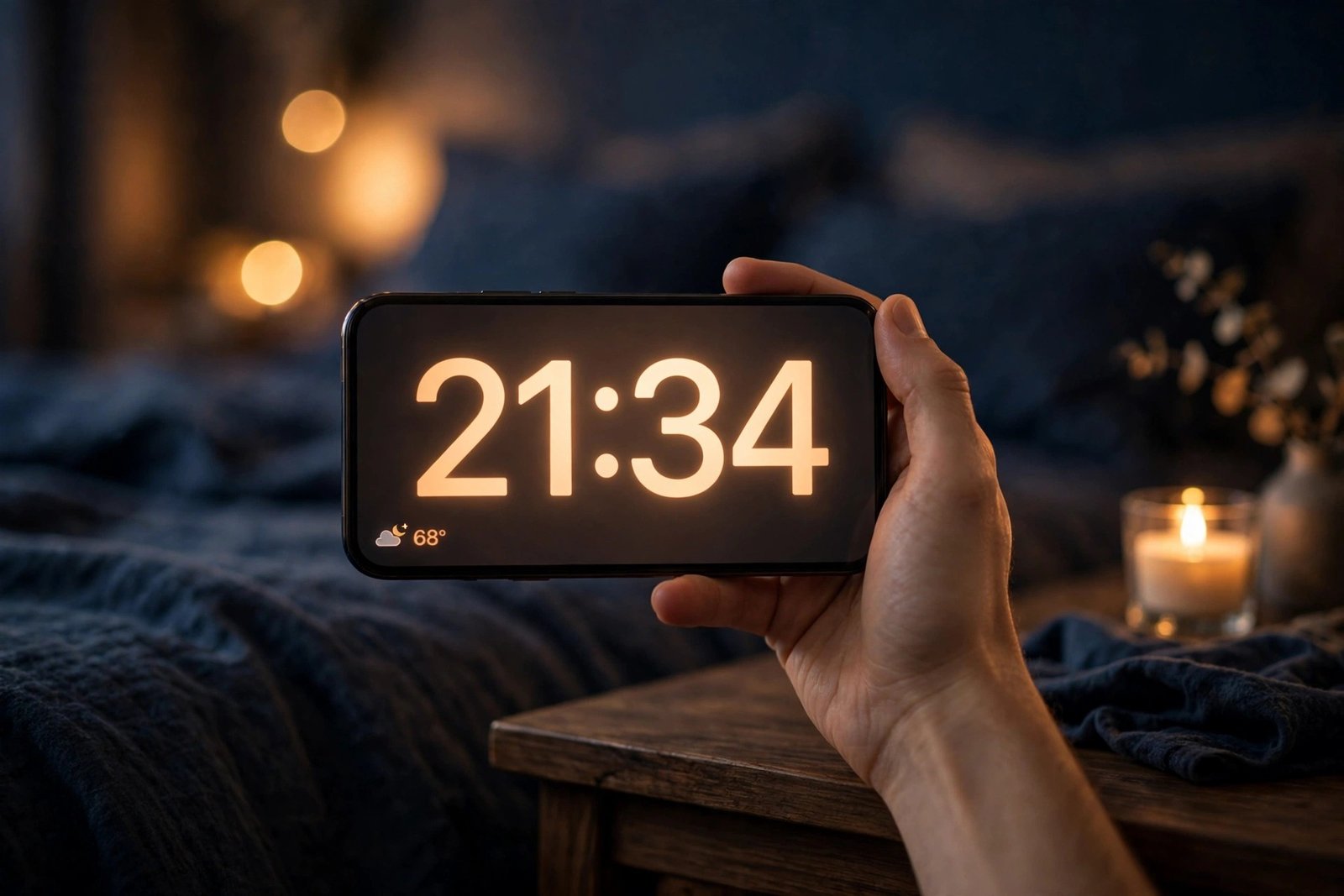
The third feature is about the screen an iPhone shows when it is charging on its side. StandBy turns a charging iPhone into a bedside display, showing the time, widgets and photos. In iOS 27.3, Apple is extending StandBy features that were previously available only on the iPhone Duo to other iPhone models.
The upgrades include new Weather and Calendar clock faces, so the StandBy display can show the forecast or the day’s schedule at a glance. The Analog and Digital clock faces have been redesigned, with more choices for colors and complications — the small data widgets that sit alongside the clock. Geeky Gadgets reports that the expanded StandBy reaches iPhone 11 and newer models, which covers a large share of iPhones still in daily use.
The change matters because StandBy is one of those features that only becomes useful once it can be shaped to the person using it. A bedside clock that can show the weather, or a desk display that shows the next calendar event, is more useful than a plain clock face. The iPhone Duo versions of these screens were the showcase for that idea, and iOS 27.3 spreads them to the rest of the lineup.
StandBy is also the feature least likely to surprise anyone on release day. It is an expansion of something that already exists, to phones that already support StandBy, rather than a new capability. The risk of it being pulled before December is lower than for the Health app, which has already been withdrawn once.
What else Beta 2 includes
The three headline features are not the whole update. Geeky Gadgets, in its preview of Beta 2 published on November 15, 2026, reports that the build also brings changes to the Freeform app, including more precise text formatting and AI-powered shape generation, smarter Maps routing that factors in parking availability and walking distance, and adaptive power tuning that manages background threads and display refresh to extend battery life. Notification handling is also refined, with badge counts silenced for muted iMessage threads.
Earlier coverage of the first beta also documented wider changes in iOS 27.3, including Siri AI upgrades, Safari vertical tabs and an adaptive dark mode, and the expansion of the Edge Light video-calling feature beyond the Mac and iPhone Duo. The Siri changes include a Recap feature that summarizes recent conversations, and the Apple Watch side of that story — including the Live Rewind transcript tool — is covered in our watchOS 27.3 article. Those additions are part of the same update, but they are not the focus here: the three features above are the ones that change what most iPhone owners will see and do every day.
The breadth of the update is worth noting for a different reason. iOS 27.3 is shaping up to be the largest update to iOS 27 since the version launched in September 2026, touching health, music, the lock screen, Safari, Siri and the system itself. A beta this broad is also a beta with more room for things to move before release, which is why the December date should be treated as a window rather than a deadline.
Which iPhones get the beta, and when the public release lands
The first developer beta of iOS 27.3 was seeded on November 3, 2026 in the United States, with the China release following on November 4. The public beta arrived on November 5, alongside public betas for iPadOS, macOS, tvOS and watchOS 27.3. Beta 2 is now rolling out to developers in mid-November, and further beta builds are expected before the final release.
For the public release, the consistent expectation across reports is December 2026. Geeky Gadgets points to December 14, 2026 as the target date in its customization coverage of the beta, but Apple has not confirmed an exact date, and Gadget Hacks notes the same in its release coverage. The safest reading is early to mid-December, ahead of the holiday season.
Access to the beta itself follows Apple’s usual program. The developer beta is available to registered developers, and the public beta is open to anyone enrolled in Apple’s beta program. Which iPhone models can install iOS 27.3 is set by Apple’s developer beta program for this release, and the feature-level limits are separate from the install-level limits: the Health app redesign needs an Apple Intelligence-capable iPhone, and the expanded StandBy reaches iPhone 11 and newer, while Selfie Sing is an Apple Music feature in the update generally.
Most iPhone owners should not install the beta. Beta software can have bugs, drain battery faster, and behave differently from the finished release — and the Health app’s history in this very update cycle shows that a feature in the beta is not a feature in the release. The December public release is a few weeks away, and the three features will be there to try then, in their final form.
What to try first when it arrives
When the public release lands, the order in which to try the three features depends on the iPhone in hand. Owners of an Apple Intelligence-capable iPhone should open the Health app first: the Insights tab is the most direct change, turning data the phone already collects into recommendations. The Longevity tab and its Health Age estimate are worth a look, but they should be read as a general indicator, not a health verdict.
Selfie Sing is the quickest to test. Open Apple Music, start a song with lyrics, and look for the Selfie Sing option. It takes one recording to see whether the result is worth sharing, and the feature’s value is obvious within seconds either way.
StandBy is the one to set up once and leave alone. Put the iPhone on its side while charging, swipe through the new Weather and Calendar faces, and pick the clock style and colors that fit the room. The redesigned Analog and Digital faces are the visible part of the change; the new faces are the useful part.
All three features are in the beta now, and all three are expected in December. The Health app is the one to watch most closely, because it has already been pulled once. The other two are extensions of things Apple has already shipped elsewhere. If the public release keeps all three, iOS 27.3 will be a meaningful update for everyday iPhone use — not because of any single feature, but because it touches the three apps people open most: Health, Music and the clock on the bedside table.
FAQs
When will iOS 27.3 be released to the public?
iOS 27.3 is expected to be released publicly in December 2026. Apple has not confirmed an exact date, although one report points to December 14, 2026. Beta 2 is currently in testing with developers, and further beta builds are expected before the final release.
What are the three new iPhone features in iOS 27.3?
The three headline features are a redesigned Health app with Insights and Longevity tabs, Selfie Sing in Apple Music for recording karaoke videos with the iPhone camera, and expanded StandBy customization with new Weather and Calendar faces and redesigned clocks.
Will the new Health app work on my iPhone?
The redesigned Health app requires an iPhone that supports Apple Intelligence. Older iPhones that can install iOS 27.3 will not get the new Insights and Longevity tabs. The expanded StandBy features reach iPhone 11 and newer models.
What is Selfie Sing in Apple Music?
Selfie Sing combines the iPhone’s front camera with Apple Music’s lyrics display to record karaoke videos of yourself singing along to a song. It builds on Apple Music Sing, which already showed real-time lyrics, by adding the video element so the finished clip can be shared on social platforms.
Can beta features change before the public release?
Yes. Features in a beta can change, shrink or disappear before the public release. The Health app redesign is the clearest example: Apple tested it in the iOS 27.2 beta and pulled it before that update launched, saying it would return later in the year. It returns in iOS 27.3, but its history shows a beta feature is not a guarantee.
Related reading
- Apple has been shipping iOS 27.2 point releases alongside the 27.3 beta work: our report on the iOS 27.2.1 update covers the latest fixes and a crypto wallet bug that remains unpatched.
- The same beta cycle brings new features to the Apple Watch: Siri Recap and Live Rewind in watchOS 27.3 explains the audio tools coming to your wrist.
- Looking further ahead, Apple is changing how it develops the next major version: Apple’s iOS 28 development change explains what is different this time.
Sources
9to5Mac, “iOS 27.3: Three new iPhone features coming soon,” November 9, 2026. Geeky Gadgets, “iOS 27.3 Beta 2 Preview: Health Overhauls, Performance Fixes & More,” November 15, 2026. Geeky Gadgets, “What’s New in iOS 27.3 Beta: Customization and Personalization Guide!,” November 12, 2026. Gadget Hacks (Apple), “iOS 27.3 Public Beta Brings New Siri, Safari, and Health Features — What to Try First,” November 15, 2026. Gripelements, “iOS 27.3: Three new iPhone features coming soon,” published November 9, 2026, updated November 16, 2026.
