


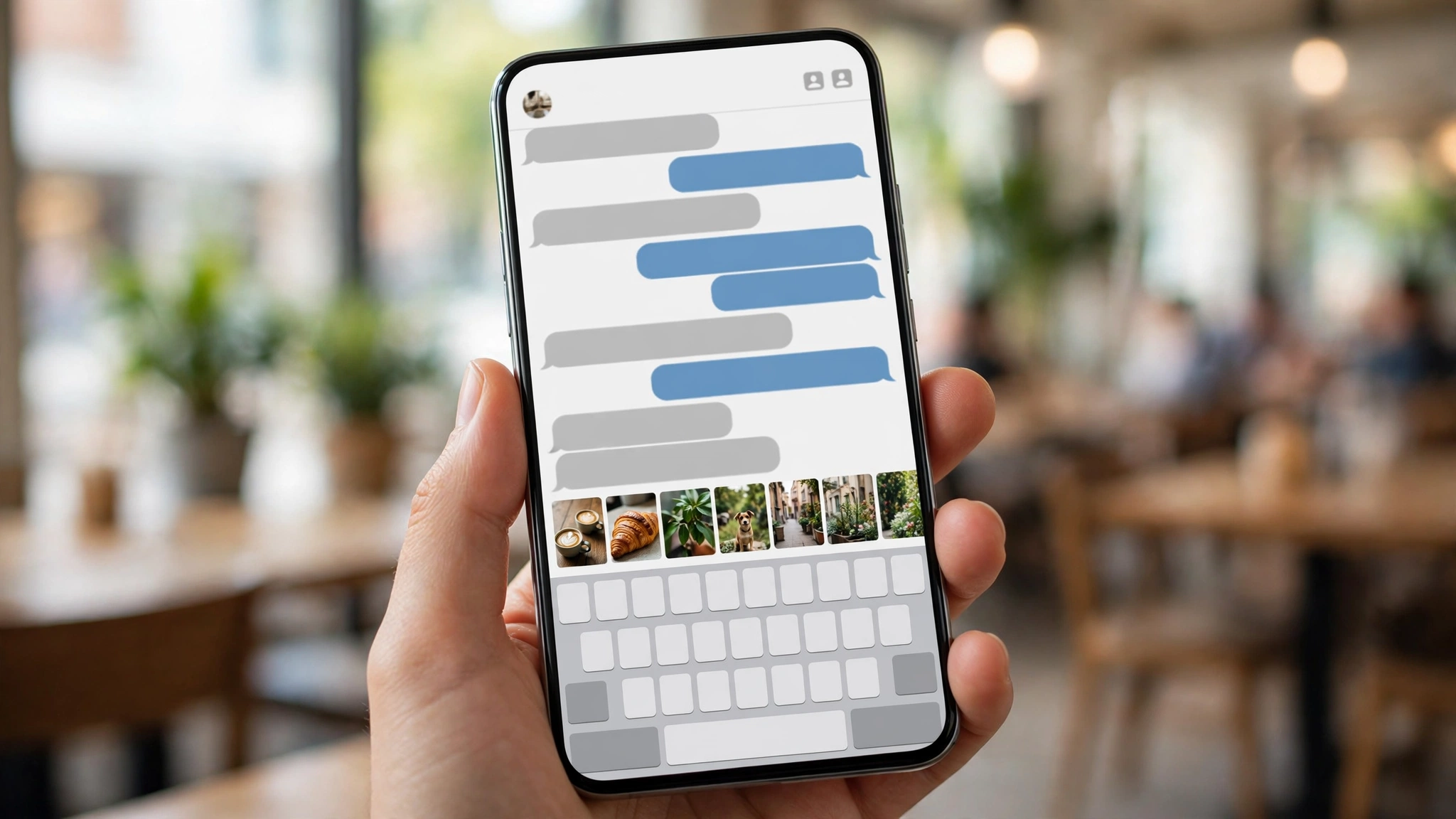
WhatsApp is making it faster to share the photo you just took. A feature called Recent Media Suggestions is rolling out to some users on Android and iOS: open a chat, and your most recent gallery items — photos, videos, even screenshots — are suggested right inside the conversation, ready to send without digging through the attachment menu and your folders.
The report comes from Gadgets360, based on WABetaInfo’s tracking of the rollout. As with most WhatsApp features lately, it is arriving gradually for selected accounts on the latest app versions — and yes, if you do not want it, there is an off switch.
Key Takeaways
- Recent Media Suggestions surfaces your latest gallery media inside chats: camera photos, screenshots, downloaded images and videos saved from other apps.
- It switches on automatically for accounts that receive it — no setup needed.
- WhatsApp is reportedly testing two different display styles for the suggestions, so what you see may differ from another user’s layout.
- You can turn it off any time: Settings → Chats → Recent media suggestions.
- The rollout is gradual — no date has been given for when everyone gets it.
How It Works
The idea is simple. Today, sharing a photo mid-conversation means tapping the attachment button, opening the gallery and finding the shot among thousands. Recent Media Suggestions skips the hunt: the newest items in your device gallery are offered directly in the chat, because the thing you most likely want to share is usually the thing you captured or saved most recently — the screenshot from a minute ago, the photo from this morning, the video someone just sent you in another app.
The feature does not sort your media by source. Camera shots, screenshots, downloads and videos saved from other applications are all eligible, in simple newest-first order. It follows the pattern of WhatsApp’s existing sticker suggestions, which already surface contextually above the keyboard while you type.
WhatsApp is said to be testing two ways of displaying the suggestions, so the exact placement may vary between users during the rollout. Either way, the suggestions are optional in the moment — ignore them and the normal attachment flow works exactly as before.
How to Turn It Off
Not everyone wants their latest screenshots previewed inside every chat — a screenshot can contain exactly the kind of thing you took it not to broadcast. If the feature has reached your account and you would rather not have it:
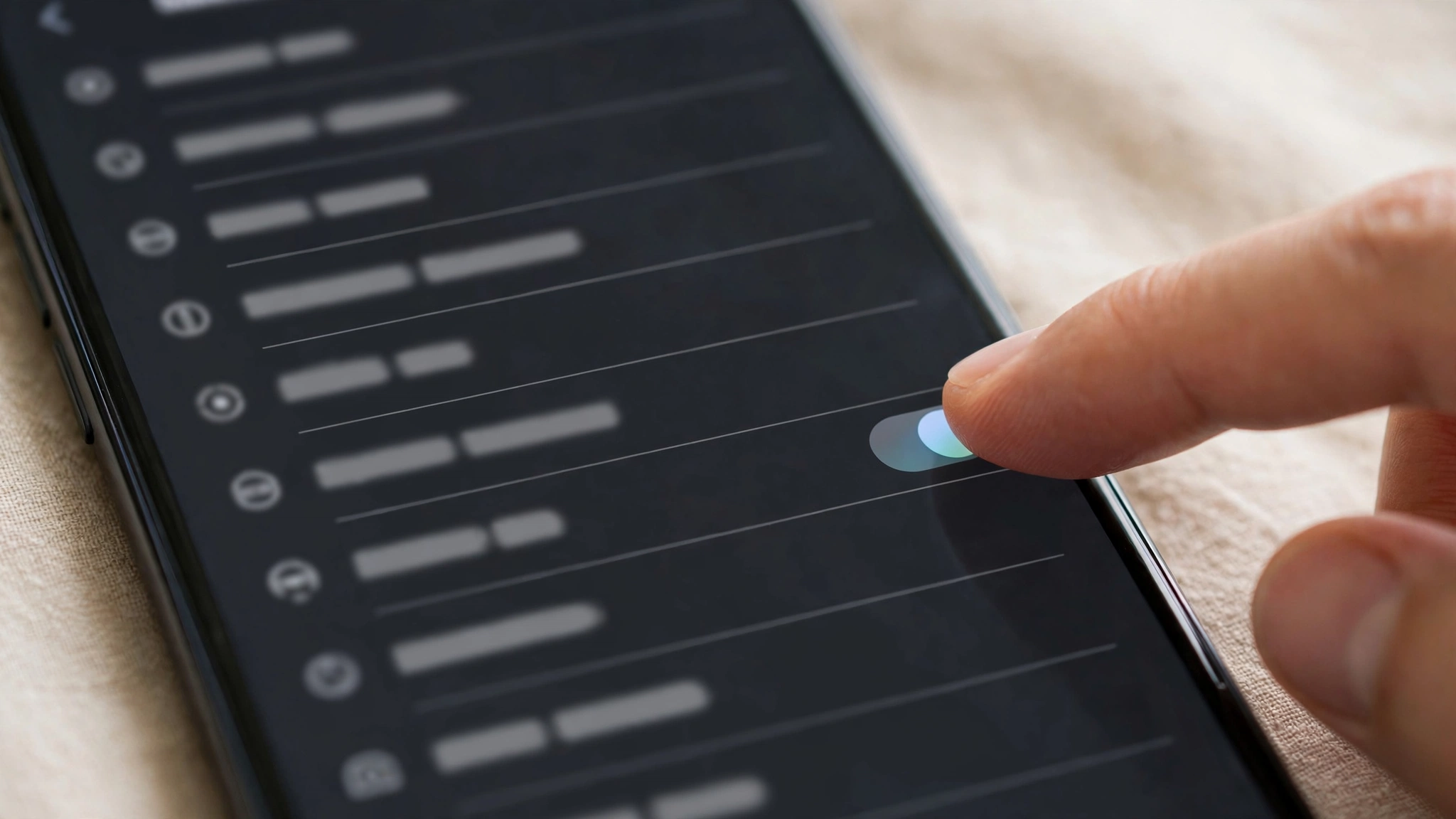
- Open WhatsApp and go to Settings.
- Tap Chats.
- Find Recent media suggestions and switch it off.
That is the whole process. Turning it off does not affect your gallery or your chats; it simply stops WhatsApp from surfacing recent media as sharing suggestions.
Who Has It — and the Privacy Question
The feature is rolling out gradually to select users running the latest WhatsApp versions on Android and iOS, and it activates automatically once an account is included. There is no beta requirement reported and no way to request it early; if it is not in your Settings yet, your account has not been reached.
The obvious question is whether your gallery is being uploaded somewhere for this. Nothing in the reporting suggests that: the suggestions are drawn from media already on your device, in the same way the normal gallery picker shows your photos without sending them anywhere. A photo only leaves your phone if you actually choose to send it. Still, the preview-inside-chat behaviour is exactly why the off switch matters — suggestions appear in whichever chat you open, including ones where you would never share that screenshot. If that feels uncomfortable, turn it off and lose nothing but a shortcut.
Another Small Step in WhatsApp’s Busy Week
This is the third WhatsApp change TechInKey has covered in as many days, and the theme is consistent: fewer taps inside chats. Smart Text Actions turned numbers, dates and addresses into shortcuts; the Settings page is being redesigned for clarity; and now media sharing gets its own shortcut. None of them change what WhatsApp is — together they sand down the small frictions of using it fifty times a day.
The Bottom Line
Recent Media Suggestions will not change anyone’s life, but it removes a genuinely annoying ten seconds from the most common thing people do in WhatsApp: sending the photo they just took. If it has reached your account, try it; if the previews feel too exposed for your taste, Settings → Chats turns it off in seconds. Everyone else should expect it over the coming weeks as the rollout widens.
Related Guides
- WhatsApp Smart Text Actions: One-Tap Shortcuts for Numbers, Dates and Addresses
- WhatsApp Is Redesigning Its Settings Page
- WhatsApp Profile Cover Photos Are Coming to Personal Accounts
FAQs
What is WhatsApp’s Recent Media Suggestions feature?
It is a shortcut that shows your most recently added gallery items — photos, videos, screenshots and downloads — as sharing suggestions inside a chat, so you can send the media you just captured or saved without opening the full gallery picker.
How do I turn off Recent Media Suggestions on WhatsApp?
Open WhatsApp Settings, tap Chats, and switch off ‘Recent media suggestions’. The feature is enabled automatically for accounts that receive it, but it can be disabled at any time in that menu.
Who can use Recent Media Suggestions?
It is rolling out gradually to some users on the latest versions of WhatsApp for Android and iOS. There is no way to enable it manually before it reaches your account, and WhatsApp has not announced a date for full availability.
Does WhatsApp upload my gallery for media suggestions?
Nothing in the reporting suggests that. The suggestions come from media already stored on your device, like the normal gallery picker; a photo or video is only sent when you choose to share it in a chat.
